Brake Caliper: Installation
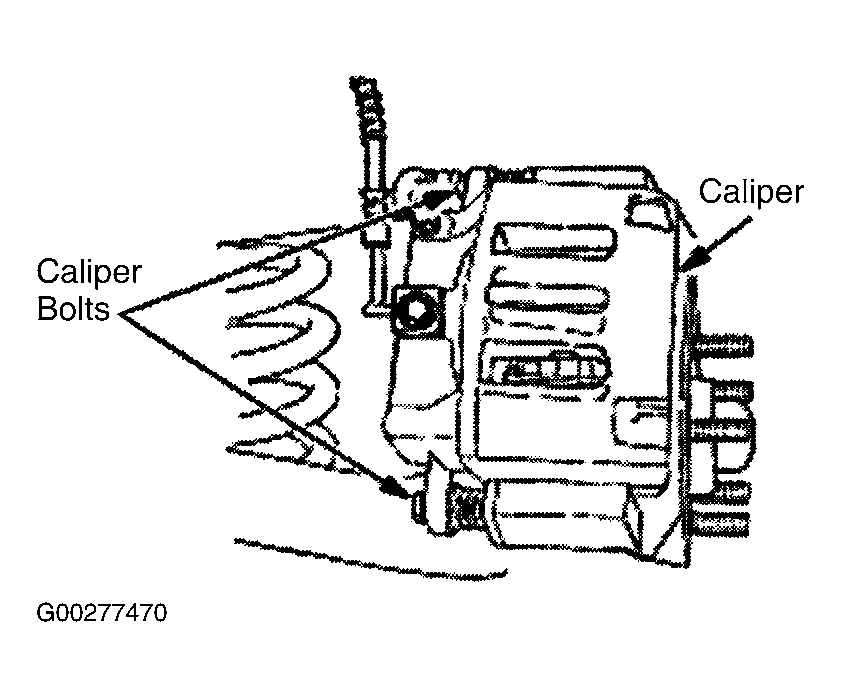
- Install the disc brake caliper. Install the disc brake caliper bolts. See Figure .
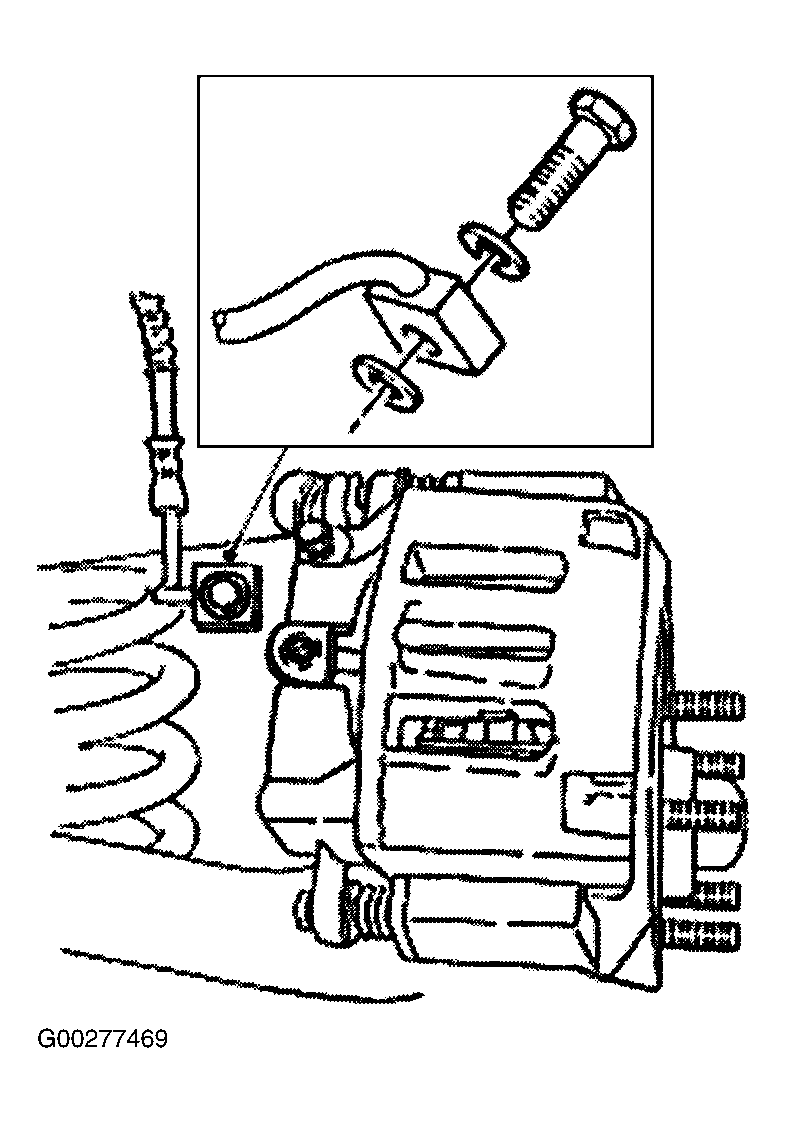
- Install the front brake hose bolt using new copper washers. See Fig 1 .
- Bleed the caliper. See BLEEDING BRAKE SYSTEM .
- Install the wheel and tire assembly.
- Fill the brake master cylinder reservoir with clean DOT 3 brake fluid. Install brake master cylinder filler cap.
- Inspect the brake system operation.
CAUTION:
Make sure guide pin boots are properly seated or damage to guide pins can occur.
NOTE:
Tighten the lower caliper bolt first.
NOTE:
After the vehicle is on the ground, if equipped with air suspension, reactivate the system by turning on the air suspension switch.
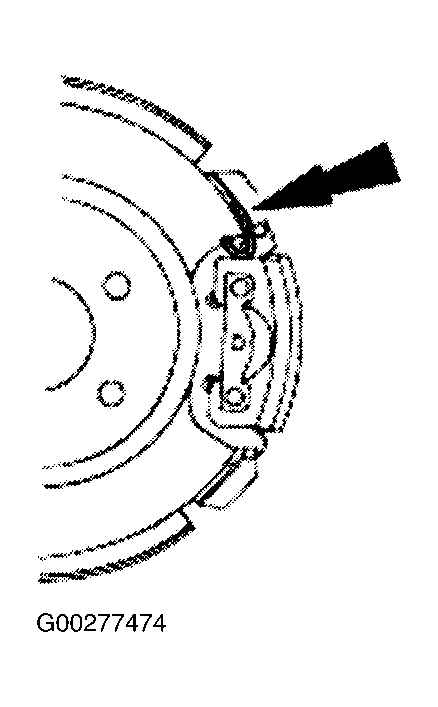
- Make sure the stainless steel shoe slippers are correctly positioned. Install new if worn or damaged.
- Position the anti-rattle clip behind the rear disc brake caliper anchor plate. See Fig 1 .
- Install the rear disc brake caliper.
- Install the rear wheel brake hose. Connect the brake hose and install the caliper flow bolt. Use new copper washers.
- Bleed the disc brake caliper. See BLEEDING BRAKE SYSTEM .
- Install the wheel and tire assembly.
- Verify correct brake operation.
CAUTION:
To prevent interference with rear disc brake caliper operation, install only the correct caliper bolt.
NOTE:
When installed, the locator notch on the brake pads will be located at the upper end of the rear disc brake caliper.
NOTE:
After the vehicle is on the ground if equipped with air suspension, reactivate the system by turning on the air suspension switch.