Removal (Front)
- Release the parking brake control, using the parking brake release handle. See Figure
.WARNING: The electrical power to the air suspension system must be shut off prior to hoisting, jacking or towing an air suspension vehicle. This can be accomplished by turning off the air suspension switch located in the luggage compartment. Failure to do so can result in unexpected inflation or deflation of the air springs, which can result in shifting of the vehicle during these operations.
- Raise the vehicle on a hoist.
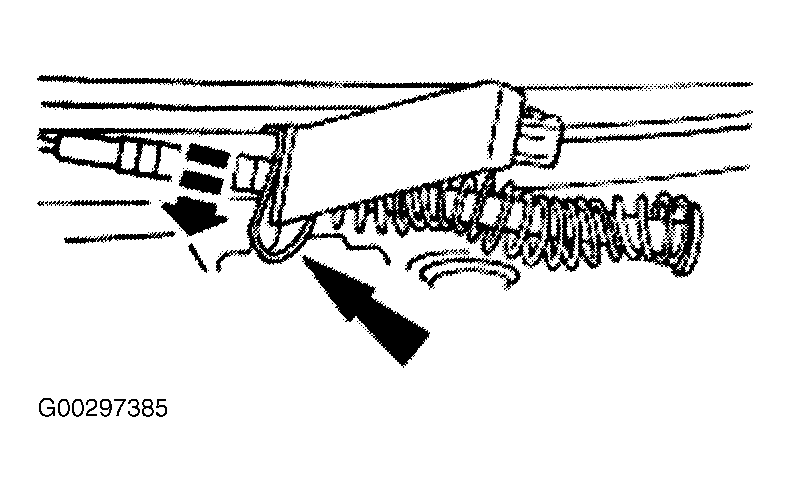
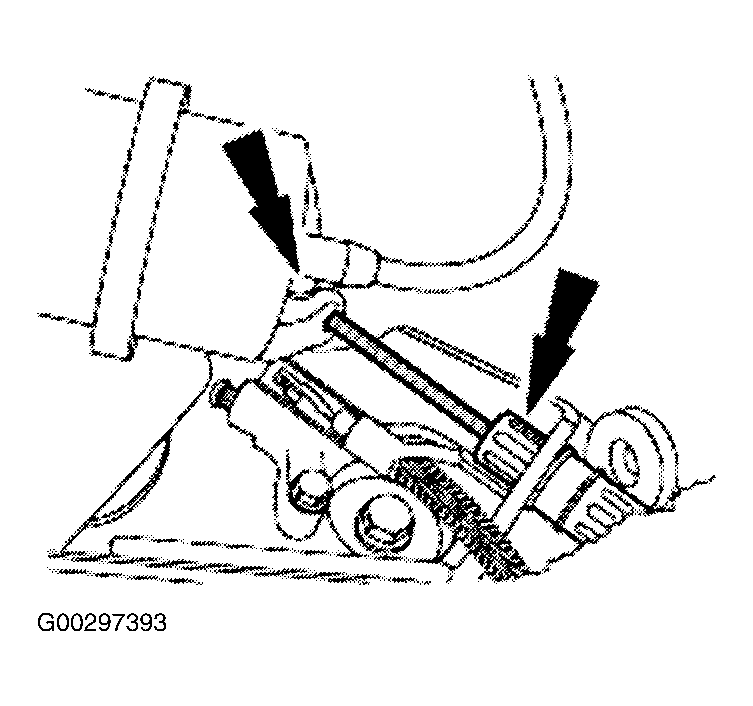
- Pull the parking brake adjuster clip downward. See Figure .
- Apply the parking brake control fully.
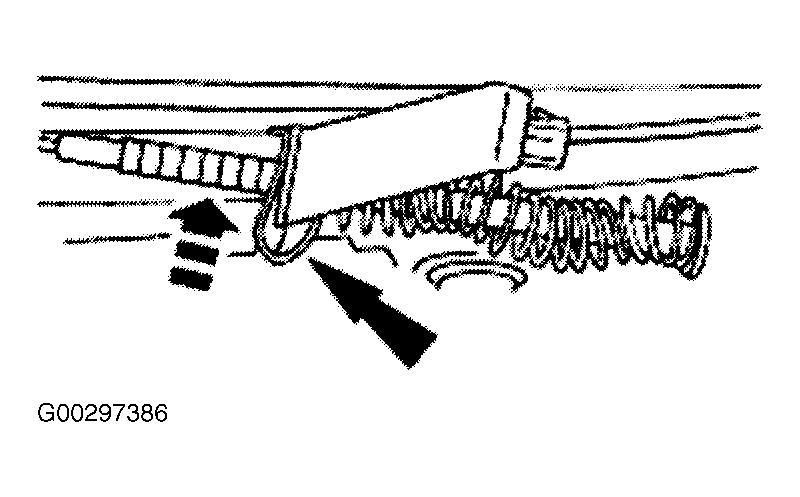
- Push up on the parking brake adjuster clip to lock the adjuster. See Figure .
- Release the parking brake control, using the parking brake release handle. See Figure .
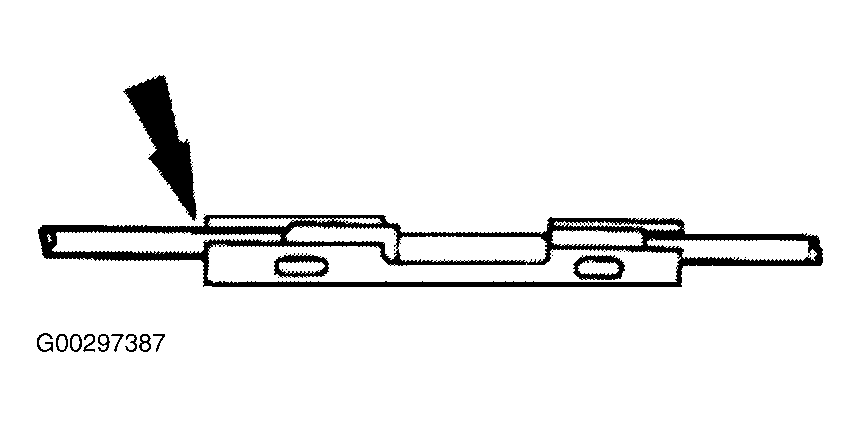
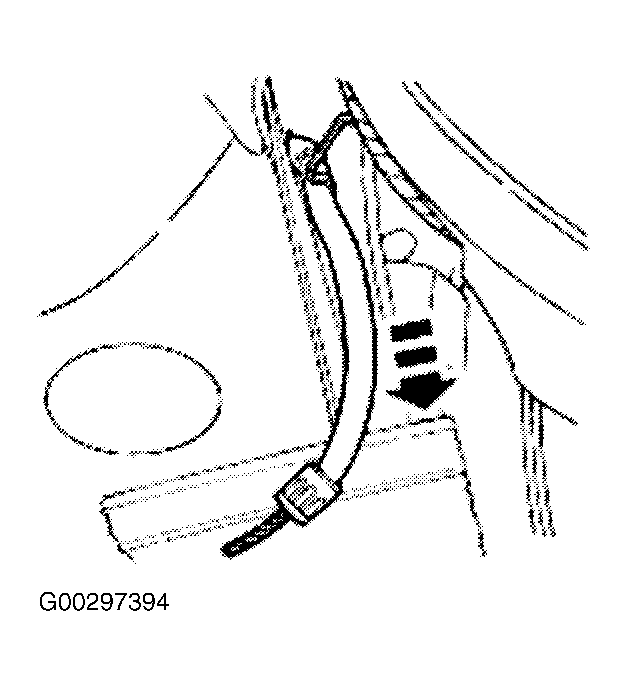
- Disconnect the front parking brake cable and conduit from the left parking brake rear cable and conduit at the cable connector. See Figure .
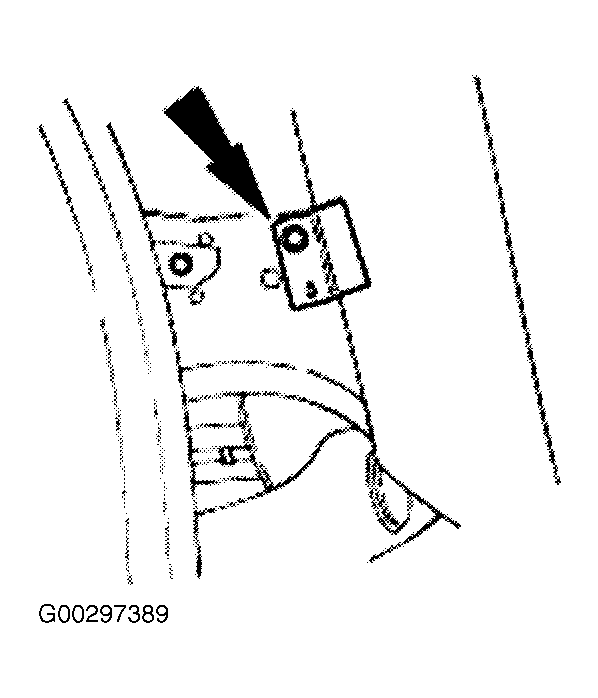
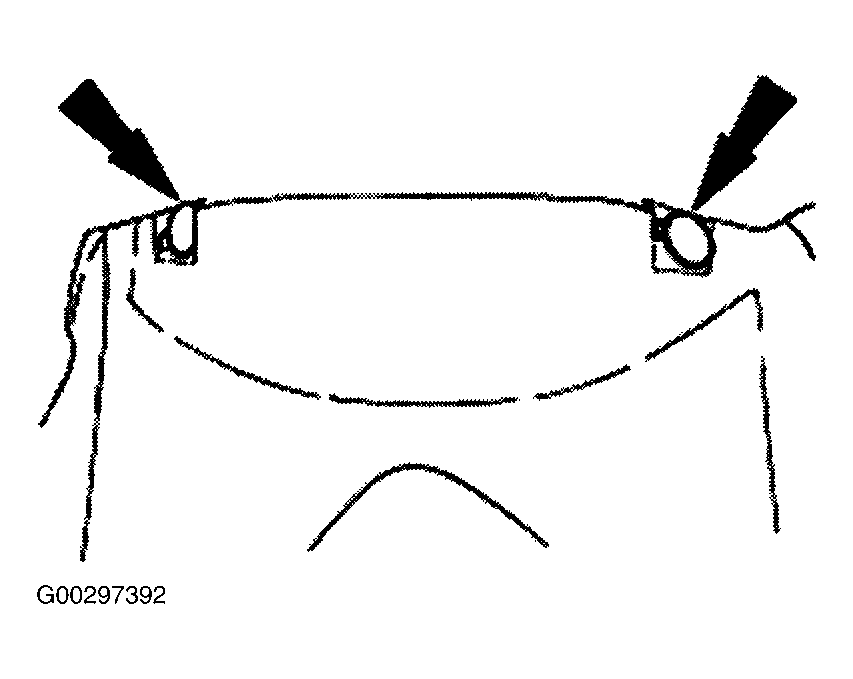
- Press the retaining tabs, and remove the front parking brake cable and conduit retainer from the frame. See Figure .
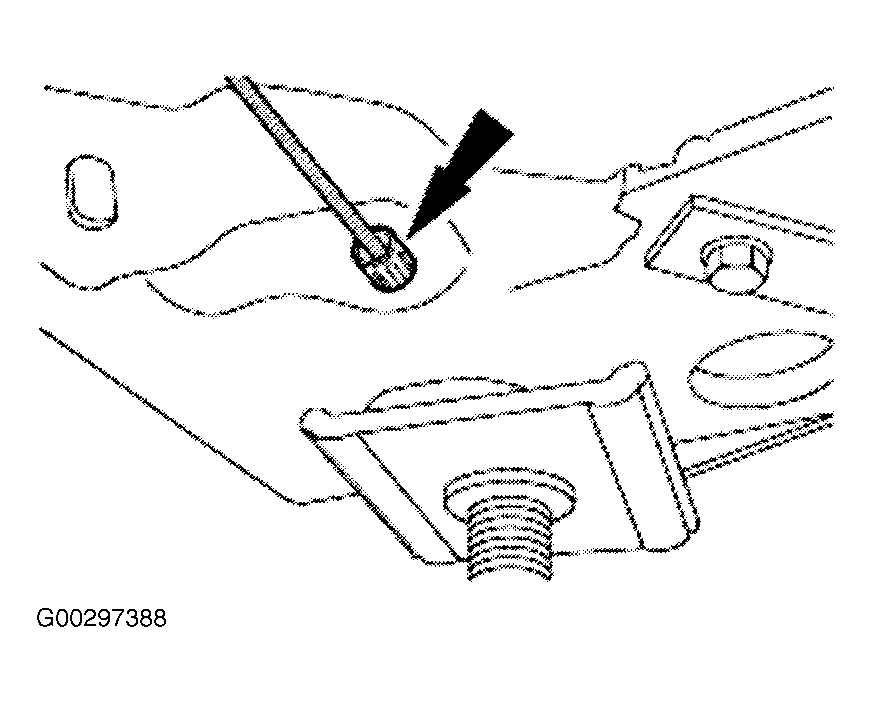
- Remove the screw retaining the inner front fender apron to the frame. See Figure .
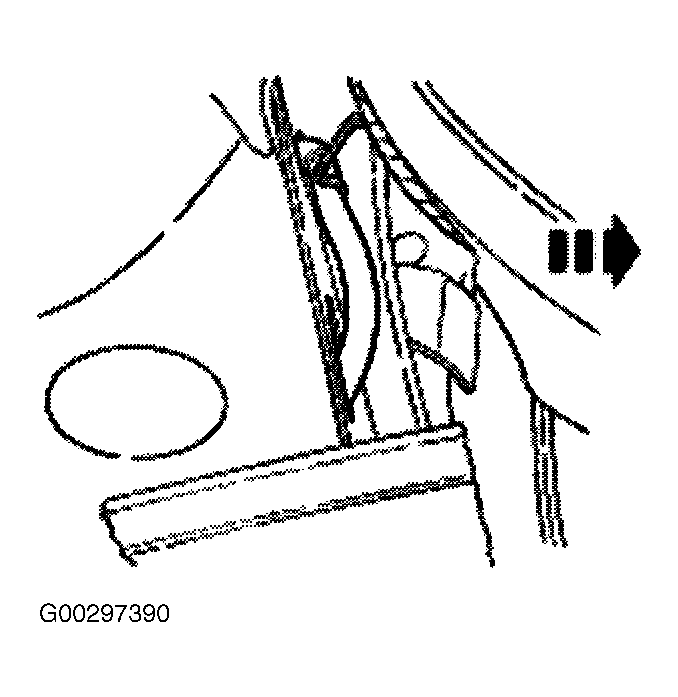
- Pull back the front fender apron to expose the front parking brake cable and conduit. See Figure .
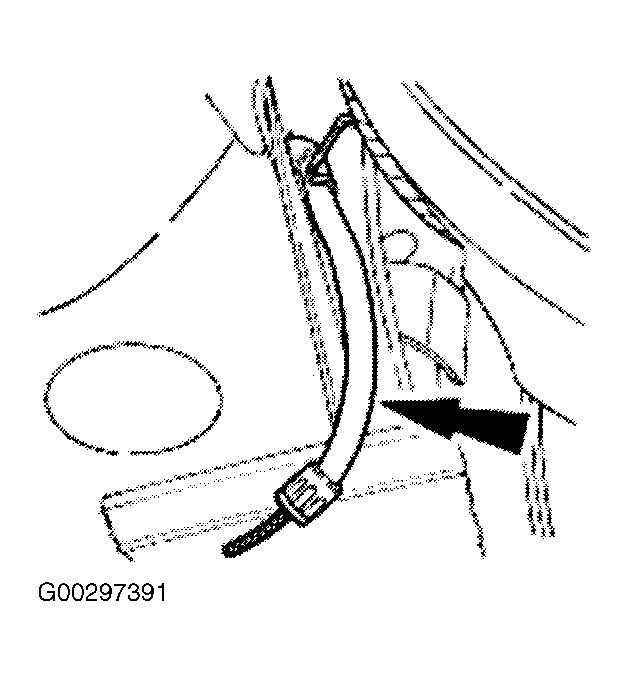
- Pull the front parking brake cable and conduit through the frame, and let it hang in the wheel housing. See Figure .
- Lower the vehicle.
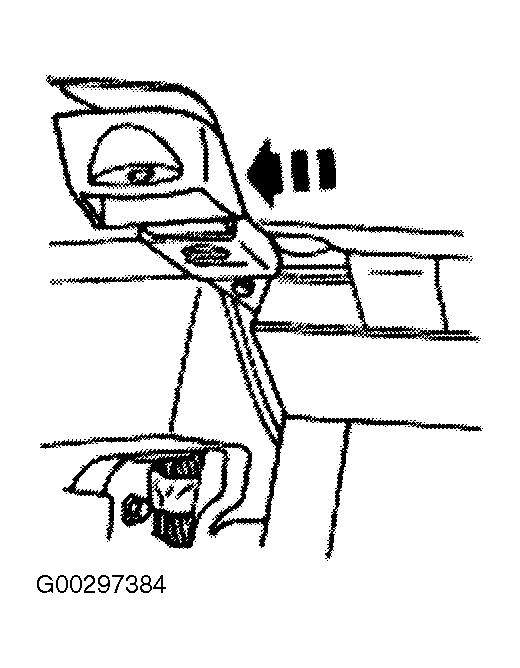
- Remove the instrument close-out panel pushpins, and remove the panel. See Figure .
- Disconnect the front parking brake cable and conduit from the parking brake control. See Figure .
- Push the front parking brake cable and conduit down, and remove the front parking brake cable and conduit from inside the wheel housing. See Figure .