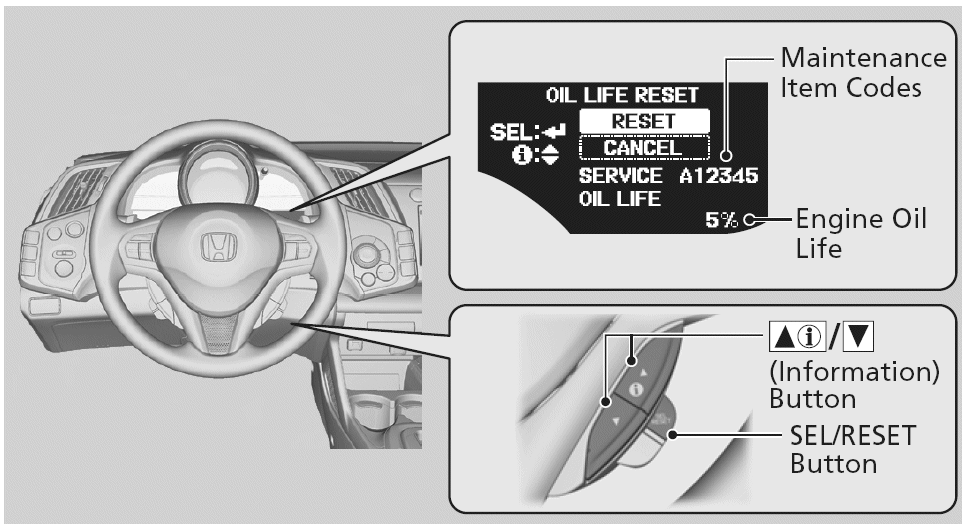
Engine Oil Replacement Reminder Reset - Procedure 09
- Turn the ignition switch to ON (II).NOTE: If system messages are displayed, press the INFO button to cancel the display.
- Push the ARROW buttons repeatedly until the engine oil life indicator is displayed. See Fig 1.
- Select RESET with the ARROW buttons
- Press the SEL/RESET button for 10 seconds. The service code will disappear and the engine oil life display will return to 100%.
- To cancel the oil life reset mode, select CANCEL, then press the SEL/RESET button.