HONDA Firmware DOWNLOADER (AJA09817)
Reference number: AJA09817
Supersedes refnos: AJA0981
HONDA FIRMWARE DOWNLOADER
TECHNICAL SERVICE BULLETIN
| HONDA: | All Models |
REVISION SUMMARY
Under UNINSTALLING THE OLD HONDA FIRMWARE DOWNLOADER, information was updated.
AFFECTED VEHICLES
All models with rewritable audio units.
UNINSTALLING THE OLD HONDA FIRMWARE DOWNLOADER
If you have downloaded the firmware application before March 16, 2020 , you will need to remove it from your computer before moving forward. Follow these steps:
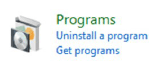
- Go to Control Panel on your computer.
- Under the Programs
tab, select Uninstall a program
.
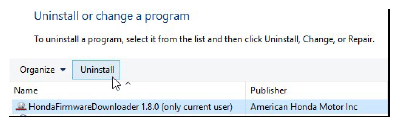
- From the list of programs, select Honda Firmware Downloader
. Select Uninstall
, and follow the prompts.NOTE: Only version 1.8.0 and lower will need to be removed.
- To allow operation of the new program, make sure your network administrator has the following sites listed whitelisted:
- *.hondaweb.com
- *.honda.com
- usbsoftwareupdates.com
- acurasoftwareupdates.com
- *.amazonaws.com
- *.cloudfront.net
The time needed to download the software will not be counted towards warranty time.
INSTRUCTIONS
The following instructions are for how to install the Honda Firmware Downloader program and how load software to your USB flash drive.
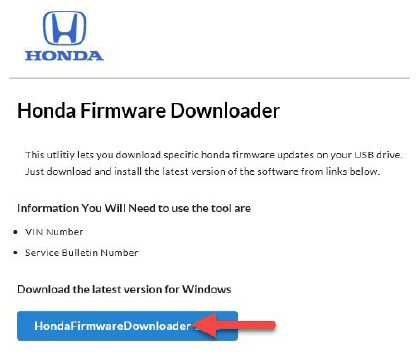
- Go to https://www.usbsoftwareupdates.com/
using a Windows computer and Internet Explorer.NOTE: If the website is blocked, contact your dealership network administrator to unblock it.
For further questions or concerns about the Honda Firmware Downloader, please contact the Interactive Network Support Center at 1-800-245-4343 between M-F 4:00 AM to 5 PM and Sat 7 AM to 4 PM PST.
- Select and download Honda Firmware Downloader.
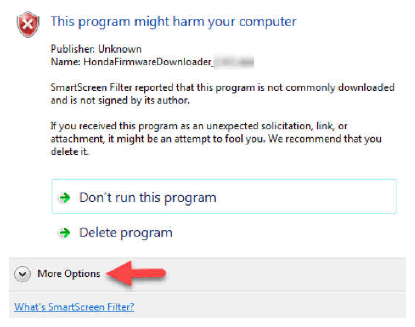
- A pop-up message will appear; select Run
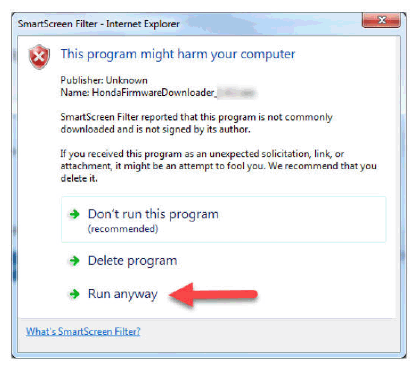
.NOTE: If a security message appears, select Actions , then More Options , and select Run anyway .
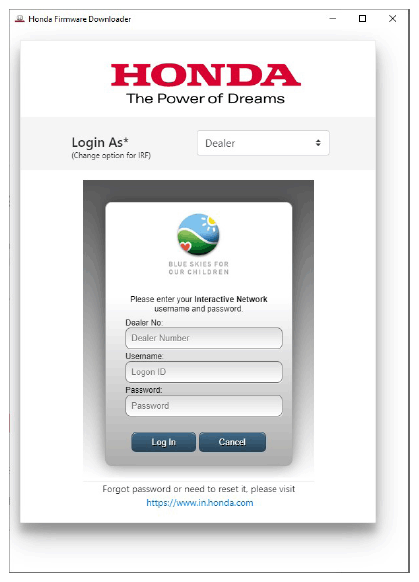
Once the install is complete, the Honda Firmware Downloader will open.
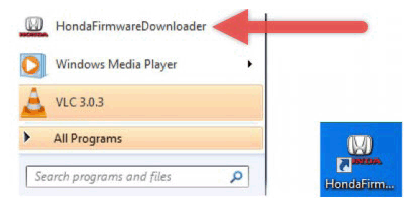
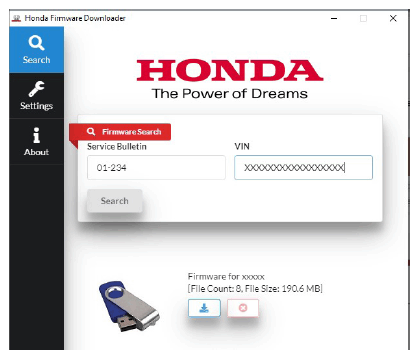
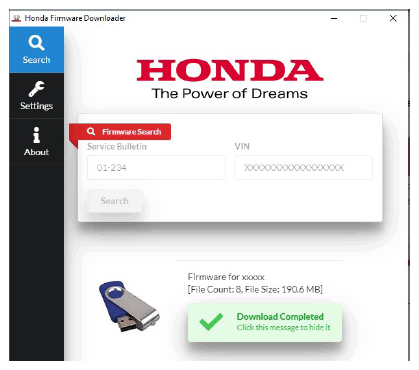
NOTE: You will also be able to open the Honda Firmware Downloader from your Start menu and/or the icon on the desktop for future use. - To use it, refer to the corresponding service bulletin that directs you to use the Honda Firmware Downloader. Enter the VIN and the service bulletin number. The system will provide the available software update to download.
You will be directed to insert a USB flash drive after selecting download.
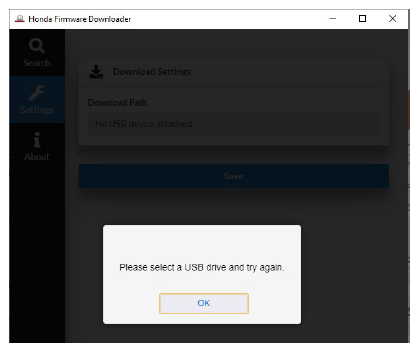
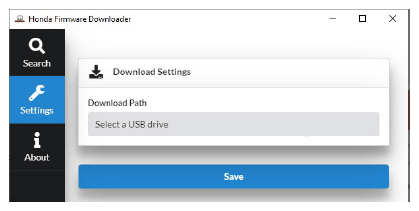
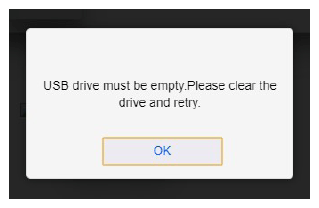
- You may have to select the correct drive where the USB flash drive is located. Select the Settings tab. If the correct drive is not listed, the file will not download to the USB flash drive.NOTE: The USB flash drive must be blank and formatted to FAT32 . If there are any files on the USB flash drive the system will indicate an error and notify you that the USB flash drive is not empty.
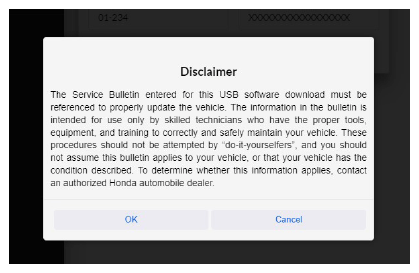
- After inserting the USB flash drive, select the download option again. A Disclaimer
message will appear. Press OK
to continue.
- The software will download. As soon as the download is complete, remove the USB flash drive and return to the vehicle to complete the software update.


END